Send push notifications from a shell script with ntfy
Set up ntfy and send alerts from any shell script
Install ntfy from the project repository
Add the project's apt repository. Import the GPG signing key and add the source line, then run apt install ntfy, which on a test VM running Ubuntu 24.04.5 LTS fetched 12.1 MB in 2 seconds. Version 2.32.0.
The service is not called ntfy-server
I assumed the systemd unit was called ntfy-server and ran systemctl enable ntfy-server, which failed because that unit does not exist. The actual name is ntfy.service, found with systemctl list-unit-files 'ntfy*'.
Run sudo systemctl enable --now ntfy to activate and enable on boot. Port 80 open. ss -tlnp confirmed it, and the journal showed ntfy 2.32.0 listening.
Send a notification with curl
Each topic is an HTTP path on the server. Post to it:
curl -d "nightly backup finished" http://localhost/backups
backups is the topic name, created on first use. The server returned JSON with message ID PB1sujH2R5sh and a Unix timestamp of 1792511802.
Add title, priority and tags
A backup alert needs more context. HTTP headers set the title, a priority from 1 to 5, and a tag:
curl -H "Title: backup failed" -H "Priority: 5" -H "Tags: warning" \
  -d "pg_dump exited with 1" http://localhost/backups
Priority 5 is the highest in ntfy's scheme. The response stored the title backup failed and the warning tag with message ID UBT0Hnq7wH1E.
Why did the background subscriber show nothing?
I subscribed with curl http://localhost/backups/json &, sent 2 messages, and waited. Nothing appeared.
The messages were there. A poll with curl http://localhost/backups/json?poll=1 returned both at once, but the streaming subscriber had printed nothing because without -N (--no-buffer), curl holds output until the buffer fills or the connection closes. From a second test VM, curl -N http://10.20.30.1/backups/json printed each new message the instant it arrived.
Anyone on your network can post by default
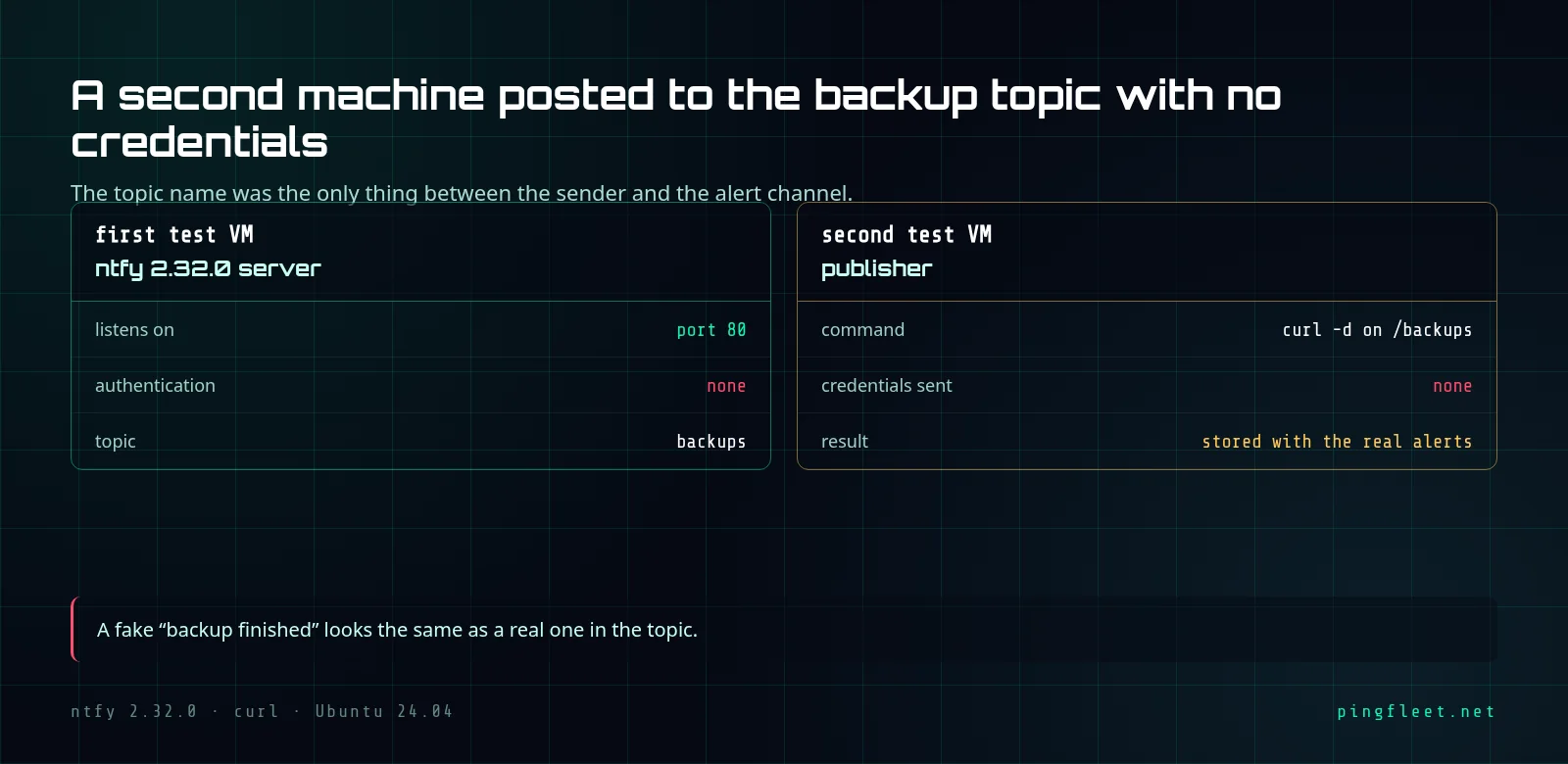
From the second test VM, I posted to the first VM's ntfy topic with no credentials. One curl -d with the IP address and the message body:
curl -d "anyone can post here" http://10.20.30.1/backups
The topic name was the only barrier.
The server returned message ID C96yWCYe6gIc and stored it next to the real alerts. By default, ntfy listens on port 80 with no authentication: anyone who can reach the server can read your notifications and send fake ones. Someone could post a "backup finished" for a backup that failed, and you would not know. I think for anything beyond a disposable test, you need a firewall rule on port 80 or ntfy's built-in access control before trusting alerts from this channel.
For those who want the details
Two subscribe modes. Poll (?poll=1) returns every cached message as one JSON object per line, then closes the connection. Streaming (no ?poll=1) keeps it open and delivers new messages, but you need curl -N to see them as they arrive.
Posting to a malformed URL returned HTTP 400 with error code 40024, but the exit code from curl was still 0 because curl treats any valid HTTP response as a successful transfer. Use curl -f to get a non-zero exit on HTTP 400 and 500 responses.